Linux Mint 13 plays a sound when you start the system as well as when you log into an account. Both of these sound can be changed - to do so, you must be logged in and know the root password.
- Open the main menu and go to Administration > Login Window.
- Go to the Accessibility tab:
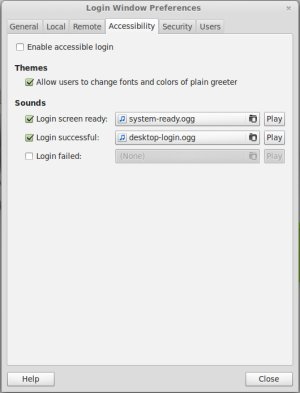
You can now check or uncheck the listed sounds or choose new ones from your files - these must be in the .ogg format however! System sounds can be found in /usr/share/sounds/LinuxMint/stereo for example, or you can convert your own files.