To turn on verbose logging (e.g. to debug FTP connection or authentication problems) in pure-ftpd FTP server on Debian and Ubuntu Linux.
Enable debug log in pure-ftpd
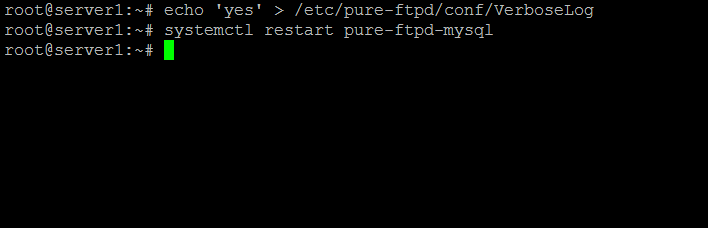
Execute the following command as root user in the shell to enable verbose logging:
echo 'yes' > /etc/pure-ftpd/conf/VerboseLog
and then restart pure-ftpd, for init based systems:
service pure-ftpd-mysql restart
For Servers that use systemd:
systemctl restart pure-ftpd-mysql
The debug output will be logged to syslog. To view the log content, execute:
tail -n 100 /var/log/syslog | grep ftp
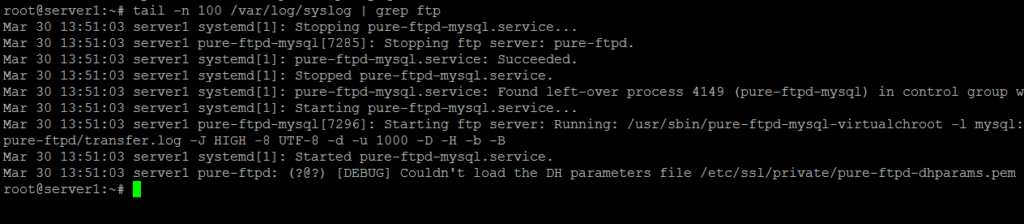
And as we can see in the screenshot, debug mode helped us to identify an issue with a missing dhparams file.
Turn off verbose log in pure-ftpd
To disable verbose logging, execute these commands:
rm -f /etc/pure-ftpd/conf/VerboseLog
service pure-ftpd-mysql restart
